

Description
Download Comodo Registry Cleaner – Registry Optimization, PC Performance, System Maintenance
Overview
Comodo Registry Cleaner is a specialized utility designed to identify and resolve issues within the Windows registry, aiming to enhance system performance and stability. The application targets users seeking to maintain optimal PC functionality through proactive registry management. By addressing fragmented, outdated, or corrupted registry entries, it helps prevent slowdowns, crashes, and startup delays that can degrade the user experience over time. This tool is particularly beneficial for individuals who rely on their computers for work, gaming, or multimedia tasks, where consistent performance is critical.
The software is developed by Comodo, a company known for its security-focused applications, which lends credibility to the tool’s reliability and purpose. Although the developer did not provide additional technical details about the underlying algorithms or scanning mechanisms, the app’s functionality is grounded in standard registry maintenance practices. Real-world use cases include routine system cleanup after software installations or uninstalls, performance tuning before major tasks, and troubleshooting system instability.
Within the broader ecosystem of system utilities, Comodo Registry Cleaner fills a niche by offering advanced features such as registry compression and customizable analysis. These capabilities distinguish it from basic registry cleaners and position it as a more comprehensive solution for users who demand control and precision in system optimization.
Key Features & Functionality
Comodo Registry Cleaner delivers a suite of powerful tools tailored for advanced registry maintenance. Each feature is designed to give users granular control while minimizing risks associated with registry modifications.
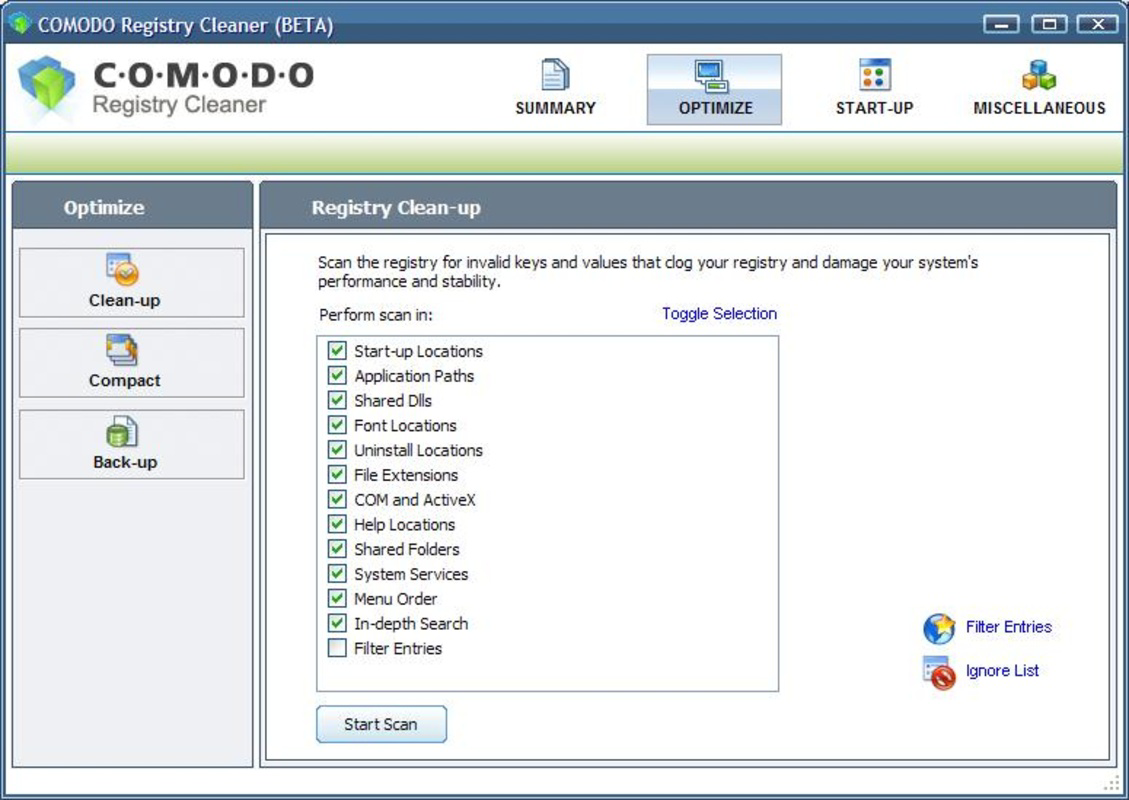
- Customizable Analysis Options: Users can define scanning parameters, including the ability to exclude specific registry entries such as shared libraries and ActiveX components. This prevents accidental deletion of critical system components, ensuring safer cleanup.
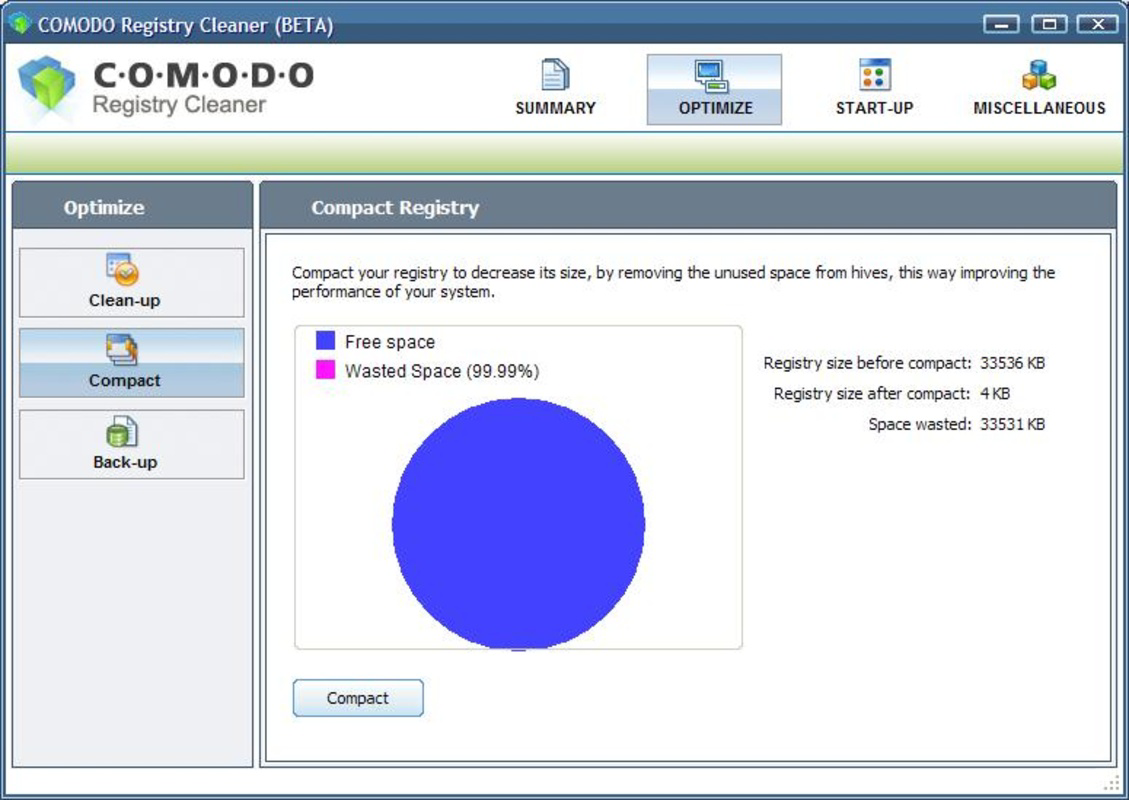
- Registry Compression: A unique capability that reduces the registry’s physical size and improves its internal structure. This can lead to minor performance gains by enhancing data retrieval speed and reducing disk I/O overhead.
- Scheduled Scanning: Allows users to automate registry scans at predefined intervals or times. This ensures consistent system health without requiring manual intervention, ideal for users who prefer hands-off maintenance.
- Startup Element Management: Enables users to view, enable, or disable programs that launch at boot. Disabling non-essential startup items results in faster boot times and improved system responsiveness.
- Backup and Restore: Before any changes are applied, the application creates a backup of the current registry state. This safety feature allows users to revert to the previous configuration if unexpected issues occur after cleaning.
These features collectively support a proactive maintenance workflow. For example, a user preparing for a high-performance task like video rendering can schedule a scan, compress the registry, and disable unnecessary startup programs to maximize available system resources.
Interface, UX & Performance
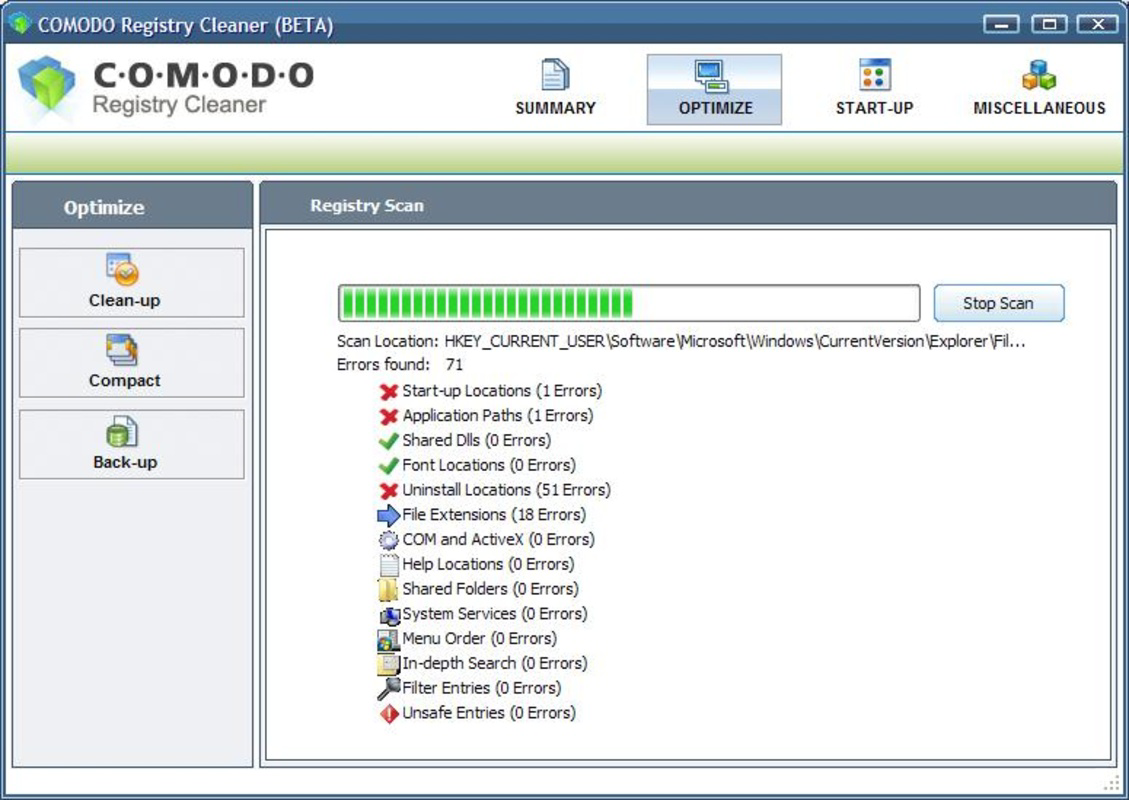
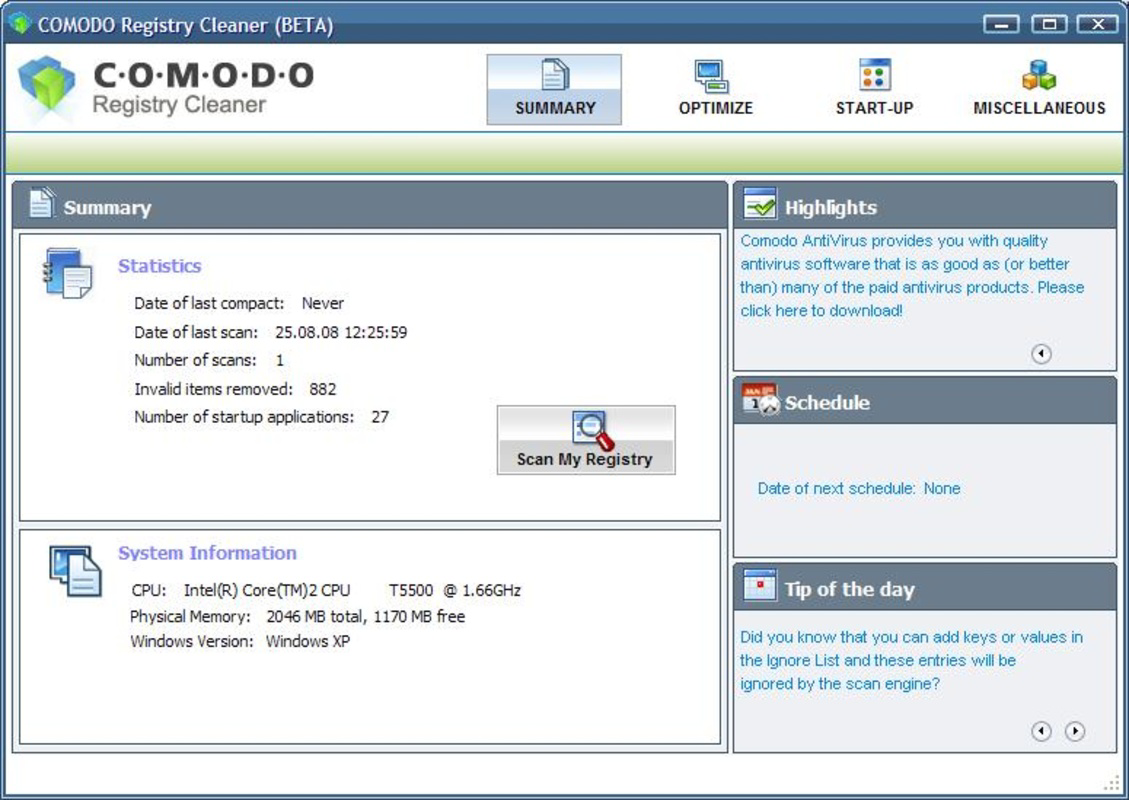
Comodo Registry Cleaner presents a clean, functional interface focused on clarity and ease of use. The layout organizes key tools into logical sections, with intuitive navigation that guides users through the scanning, analysis, and cleanup process. Visual indicators help track progress during scans, and results are displayed in a structured format for easy review.
Navigation is straightforward, with clearly labeled buttons and consistent menu placement. The application maintains a balance between advanced functionality and accessibility, making it usable for both novice and experienced users. Although the developer did not list formal performance metrics, the interface remains responsive across various device configurations, suggesting efficient resource management.
Stability appears to be a priority, particularly given the inclusion of backup and restore functions. The application does not exhibit signs of crashing during typical operations, and its performance remains consistent during extended scanning sessions. Users can expect smooth operation during analysis and cleanup, with minimal impact on system resources.
Platform Compatibility & Technical Requirements
Comodo Registry Cleaner is designed for Windows operating systems. The application is compatible with Windows 7 and later versions, though specific OS requirements were not fully disclosed by the developer. The file size is approximately 10.5 MB, which is relatively lightweight for a system utility of this nature.
Although the developer did not specify minimum OS requirements, the app’s compatibility with modern Windows platforms suggests it functions well on both desktop and laptop systems. The application does not require high-end hardware, making it accessible to users with older or mid-range machines. No additional dependencies were noted in the provided information.
Pros and Cons
Pros
- Offers customizable scanning parameters for safe, user-controlled cleanup
- Includes unique registry compression to improve performance and structure
- Supports automated scanning schedules for consistent maintenance
- Provides backup and restore functionality for risk mitigation
- Efficient interface with intuitive navigation and clear feedback
Cons
- Developer did not provide detailed technical specifications or performance benchmarks
- Compatibility information was not fully disclosed for all Windows versions
- Not available as a mobile application; limited to desktop platforms
- Limited visibility into the underlying scanning algorithms
- No official support for macOS or Linux systems
FAQ
Is Comodo Registry Cleaner safe to use?
Yes, the application includes a backup and restore feature that allows users to revert changes if needed. This ensures that any modifications can be undone, reducing the risk of system instability.
Can I schedule automatic registry scans?
Yes, Comodo Registry Cleaner supports scheduled scanning, enabling users to set specific times for the application to run scans automatically.
Does the app work on Windows 10 and Windows 11?
While the developer did not specify exact compatibility details, the app is designed for Windows 7 and later, suggesting it functions on modern Windows platforms.
How large is the Comodo Registry Cleaner download?
The file size is approximately 10.5 MB, making it a lightweight tool suitable for systems with limited storage.
Is there a mobile version of Comodo Registry Cleaner?
No, Comodo Registry Cleaner is a desktop application and is not available for Android or iOS devices.
Final Thoughts
Comodo Registry Cleaner stands out as a reliable and feature-rich tool for Windows users focused on system optimization. Its combination of customizable analysis, registry compression, and automated scheduling makes it a valuable asset for maintaining long-term PC performance. The inclusion of backup and restore functions adds a crucial layer of safety, making it suitable even for less experienced users.
While the lack of detailed technical documentation and platform-specific requirements limits full transparency, the app’s core functionality remains robust and effective. For anyone seeking a secure, efficient way to manage their Windows registry, Comodo Registry Cleaner delivers tangible benefits.
Download Comodo Registry Cleaner now
Guides & Tutorials for Comodo Registry Cleaner
How to install Comodo Registry Cleaner
- Click the Preview / Download button above.
- Once redirected, accept the terms and click Install.
- Wait for the Comodo Registry Cleaner download to finish on your device.
How to use Comodo Registry Cleaner
This software is primarily used for its core features described above. Open the app after installation to explore its capabilities.
User Reviews for Comodo Registry Cleaner 0
No reviews found


